All guides
Getting started
What is Submittal Kit Create Your Workspace Your First Project Search Everything The Dashboard Help and What's New Abbreviations We UnderstandProjects & Schedule
Project Settings Schedule and MilestonesEquipment Register
Equipment Register Basics Import a BOM Equipment DocumentsParts & Library
The Parts Library Part Documents Find Datasheets The Document Library Search Inside DocumentsSubmittals
Create a Submittal Configure Sections Choose Equipment Scope Compile a Submittal O&M Manuals Submittal Numbering Cover Pages Package LayoutsRevisions & Review
Issue a Revision Submittal Log Returned Reviews Comment Response Log Record an External Submittal Share with an outside reviewerRFIs
RFI Basics RFI Log RFI LayoutsField & QA
Punch Lists As-Built RedlinesSpecifications & Scope
Upload Specifications Spec CheckProcurement & Change Orders
Quotes and Purchase Orders Coverage and Lead Times Change Orders Budget and SOVDirectory & Team
Firms & Contacts Team & Access Personnel & CertificationsSettings & Billing
Company Identity Library Vocabulary Billing and PlansIntegrations
Connect an AgentHelp Getting started
View as MarkdownWhat is Submittal Kit
Build, issue, and track equipment submittals from one register instead of a folder of copies.
Submittal season usually looks like this: cut sheets scattered across ten folders, a Word cover page from the last job, and an afternoon lost to merging PDFs that are stale by the time the package goes out. Submittal Kit replaces that with one system of record.
How it fits together
Everything hangs off a simple chain:
- Equipment Register. One list per project of every panel, instrument, and part you're furnishing. Fix a part once and it's fixed everywhere it appears.
- Submittals. A submittal is a recipe: ordered sections like Cover, Transmittal, Equipment Schedule, and Product Data, applied to the equipment you scope into it. It isn't a folder of copies.
- Compile. One click resolves the recipe into a bound, bookmarked PDF with your catalog numbers highlighted on every datasheet.
- Revisions. Mark a package as submitted and it becomes a permanent record. The exact bytes you issued are kept forever, along with what the reviewer sent back.
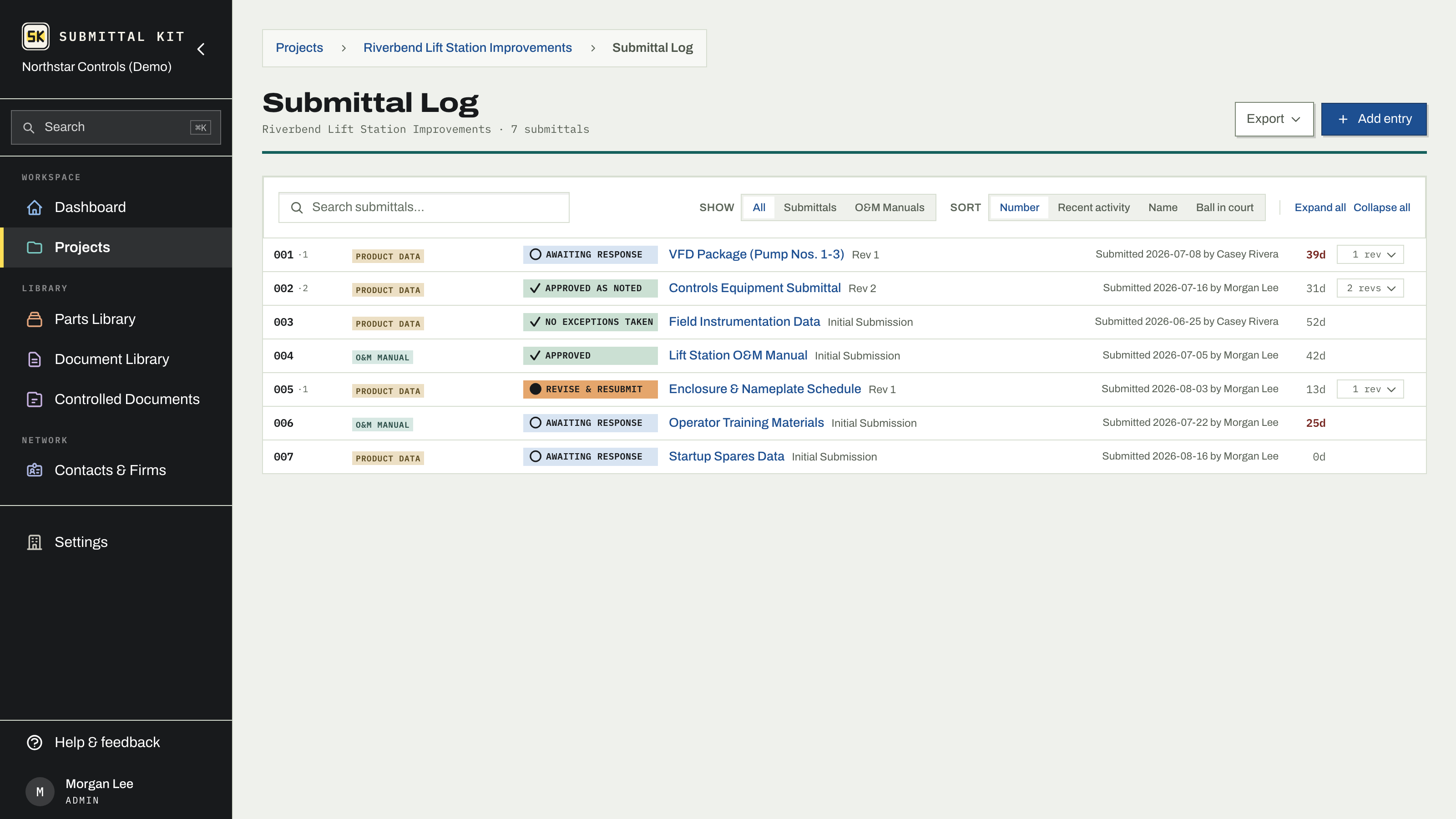
Around that core, the same register feeds RFIs, punch lists, change orders, O&M manuals, procurement, and as-built redlines, so a project's paper trail lives in one place.
Where to start
- Create your workspace and invite your team.
- Set up your first project.
- Build the Equipment Register, or import your BOM if you already have one.
- Compile your first submittal and issue it.
Find anything fast
Press Cmd+K (or Ctrl+K) anywhere, including on these help pages. In the app it finds projects, submittals, parts, contacts, and even text inside your library PDFs. Type an equipment tag or an RFI number and it takes you straight there. See Search everything.
Working alongside a reviewer or a GC who wants the old spreadsheet? Every log exports to XLSX or PDF, so you can hand over familiar paper while keeping the system of record here.
Updated Aug 15, 2026
Can't find it? [email protected]