All guides
Getting started
What is Submittal Kit Create Your Workspace Your First Project Search Everything The Dashboard Help and What's New Abbreviations We UnderstandProjects & Schedule
Project Settings Schedule and MilestonesEquipment Register
Equipment Register Basics Import a BOM Equipment DocumentsParts & Library
The Parts Library Part Documents Find Datasheets The Document Library Search Inside DocumentsSubmittals
Create a Submittal Configure Sections Choose Equipment Scope Compile a Submittal O&M Manuals Submittal Numbering Cover Pages Package LayoutsRevisions & Review
Issue a Revision Submittal Log Returned Reviews Comment Response Log Record an External Submittal Share with an outside reviewerRFIs
RFI Basics RFI Log RFI LayoutsField & QA
Punch Lists As-Built RedlinesSpecifications & Scope
Upload Specifications Spec CheckProcurement & Change Orders
Quotes and Purchase Orders Coverage and Lead Times Change Orders Budget and SOVDirectory & Team
Firms & Contacts Team & Access Personnel & CertificationsSettings & Billing
Company Identity Library Vocabulary Billing and PlansIntegrations
Connect an AgentHelp Submittals
View as MarkdownPackage Layouts
Define the sections and document rules every new submittal of a type starts from, and add your company's own submittal types.
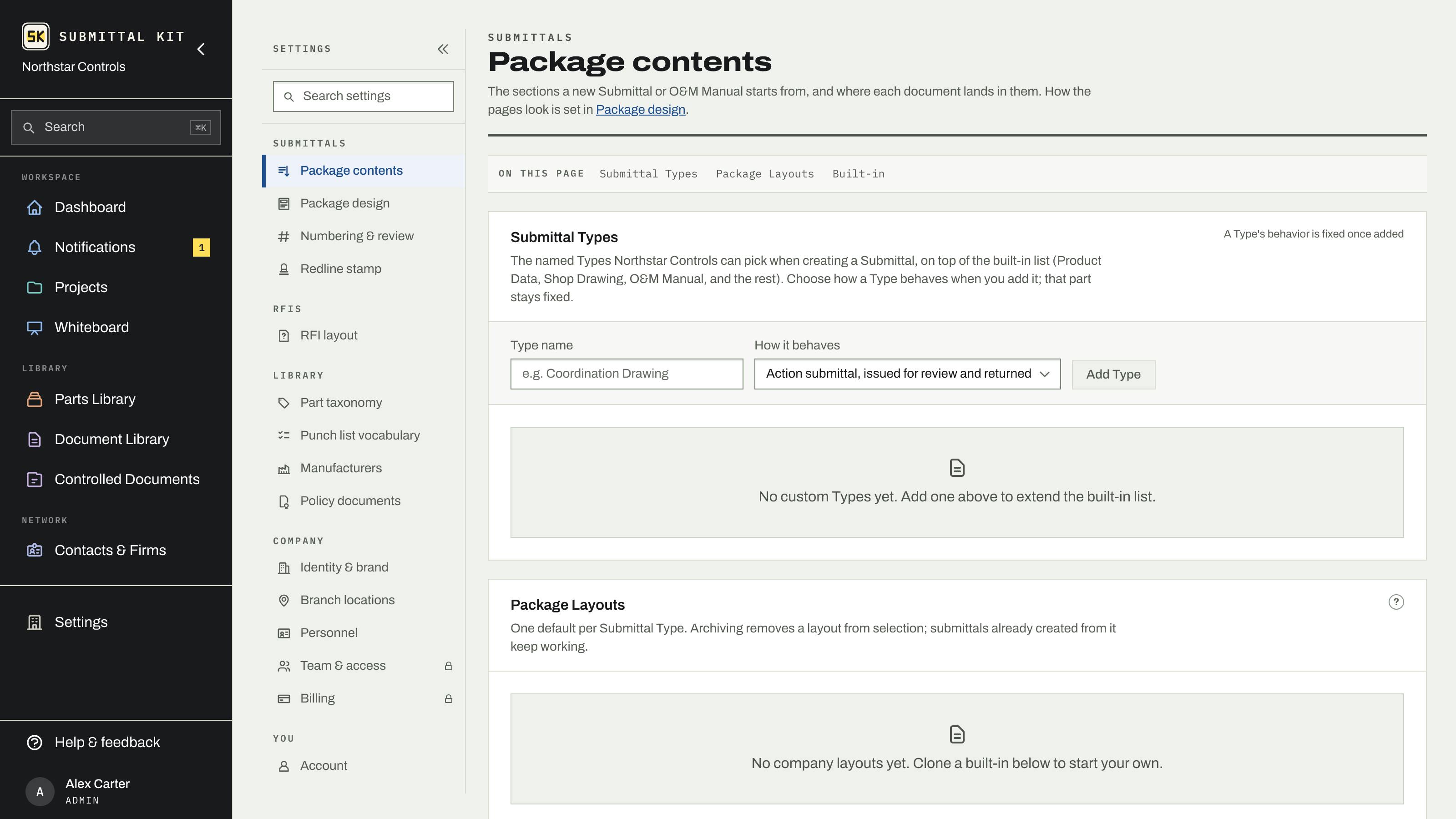
Every new package should not start as a blank list of sections that somebody rebuilds from memory. Under Settings > Package contents, a layout is the recipe a new submittal copies: its sections in compile order and the documents every equipment item in it must carry. Set one up per type once and every submittal of that type starts right.
Built-ins and your library
The page has two lists. Package Layouts is your company's own library: layouts you can edit, set as the default for a type, archive, and restore. Start from a built-in holds the read-only layouts that ship with the product; open the fold and click Clone to make your company's own version of one. A company with no layouts of its own sees the built-ins as its library until it clones one.
Each row shows the type the layout serves, how many sections it has, and how many submittals were created from it. Set default makes a layout the one every new submittal of that type starts from; the Default label marks it. Archive removes a layout from selection without touching the submittals already created from it, and a layout that has never produced a submittal can be deleted outright.
Edit a layout
Click Edit on one of your own layouts to open it:
- Template name is what the New Submittal form shows.
- Sections lists the layout's sections in the order the compiled PDF will follow. Drag the grip to reorder, rename a title in place, and Add a section from the same palette of section types the submittal page uses. Each section's behavior comes from its type, so renaming never changes what it does. See Configure sections for what each role does and the empty policy.
- Document requirements says which document roles every equipment item in a submittal from this layout must have. A role marked Required counts against whether the submittal reads ready to issue; a role left Not required is still included when a part has it. A role the layout gives no section cannot be required until it has one.
Submittal types
The Submittal Types list at the top of the page adds your company's vocabulary to the built-in list of Product Data, Shop Drawing, O&M Manual, and the rest. Give a type a name and choose how it behaves: an action submittal, issued for review and returned, or closeout and turnover. That behavior is fixed once added; the name can be changed anytime, and a type nothing uses can be deleted. Two types of the same kind compile identically. Set a type's short code under Numbering & review and it prints in submittal identifiers.
Copied at creation
A submittal copies its layout when it is created, so a later edit to the layout never changes an existing submittal. To bring an older submittal up to a revised layout, open its settings drawer, pick the layout, and click Preview merge: it shows what would be added, and only adds what is missing.
Set one default per type before the team starts creating packages; a default set later applies only to submittals created after it.
Updated Sep 27, 2026
Can't find it? [email protected]