All guides
Getting started
What is Submittal Kit Create Your Workspace Your First Project Search Everything The Dashboard Help and What's New Abbreviations We UnderstandProjects & Schedule
Project Settings Schedule and MilestonesEquipment Register
Equipment Register Basics Import a BOM Equipment DocumentsParts & Library
The Parts Library Part Documents Find Datasheets The Document Library Search Inside DocumentsSubmittals
Create a Submittal Configure Sections Choose Equipment Scope Compile a Submittal O&M Manuals Submittal Numbering Cover Pages Package LayoutsRevisions & Review
Issue a Revision Submittal Log Returned Reviews Comment Response Log Record an External Submittal Share with an outside reviewerRFIs
RFI Basics RFI Log RFI LayoutsField & QA
Punch Lists As-Built RedlinesSpecifications & Scope
Upload Specifications Spec CheckProcurement & Change Orders
Quotes and Purchase Orders Coverage and Lead Times Change Orders Budget and SOVDirectory & Team
Firms & Contacts Team & Access Personnel & CertificationsSettings & Billing
Company Identity Library Vocabulary Billing and PlansIntegrations
Connect an AgentHelp Getting started
View as MarkdownHelp and What's New
Where to find guides, release notes, support, and the feedback button.
Stuck mid-task, or noticing a screen changed since Tuesday? Everything for both lives in one place, so you never leave the page you're working on to go find help.
The Help & feedback menu
At the bottom of the sidebar, Help & feedback opens a small menu with four entries:
- Help center. These guides. They're public, so a link to any article works for a reviewer or a new hire before they ever sign in.
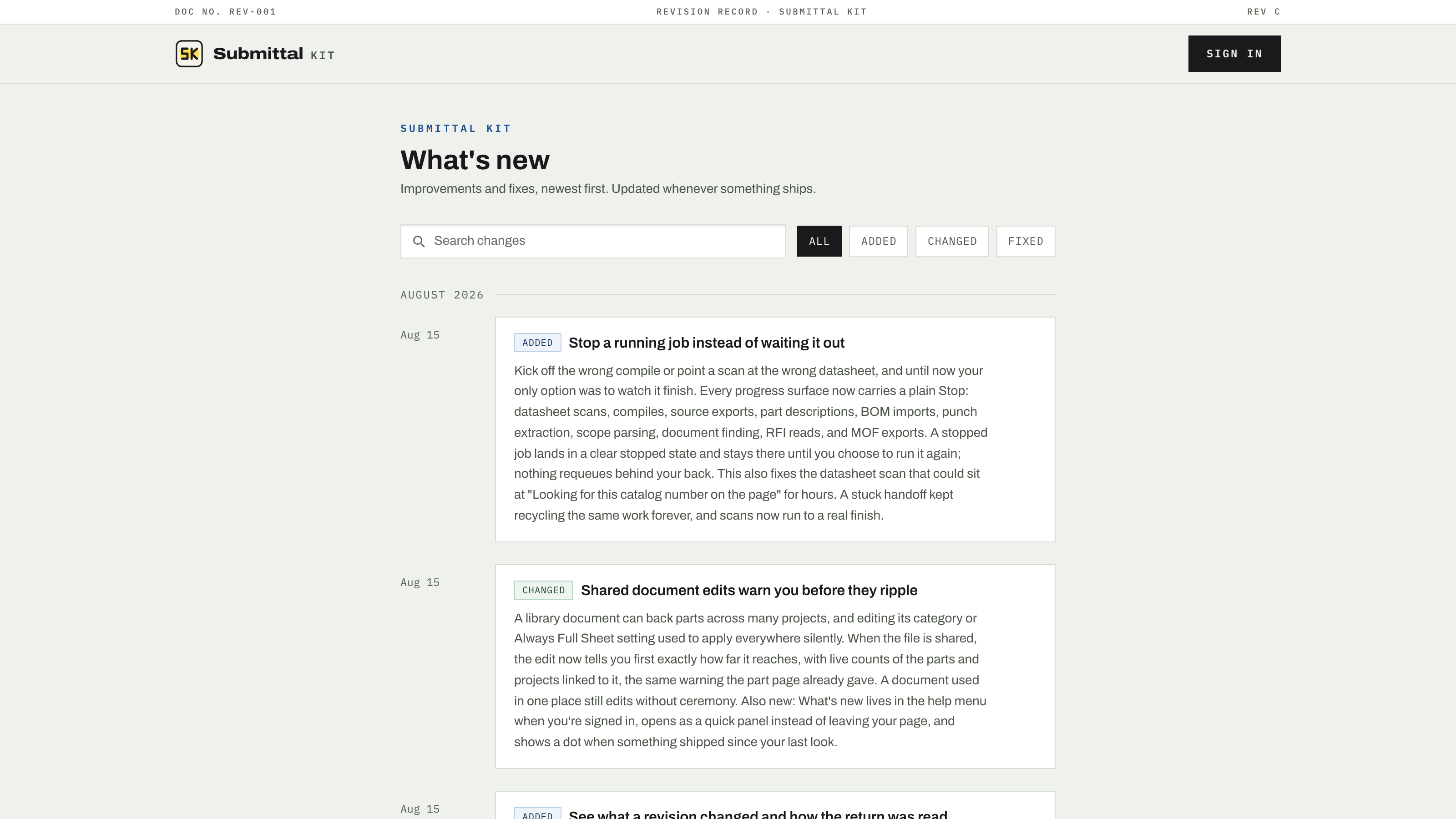
- What's new. The changelog, opened right where you are. A small dot on the menu means there are entries you haven't seen. The same notes live on a public page at /changelog.
- Contact us. Email to [email protected]. Include the project and, if it's about a specific record, the number (submittal, RFI, CO); that's usually all we need to reproduce it.
- Send feedback. A quick form for bugs and ideas, with an optional screenshot so "the button overlaps the table" arrives with the picture attached.
Guides are made for sharing
Every article here is a plain URL you can paste into an email or an RFI response. Each also serves a plain markdown copy at its URL plus .md (this page at /help/get-help-and-whats-new.md), which is handy for feeding a guide to your assistant or quoting a section without the page around it.
Searching the guides works the same as searching the app: press Cmd+K (or Ctrl+K) anywhere on the help site and the palette is scoped to these articles. See Search everything.
Reading the changelog pays off more here than in most tools. Features regularly ship from the feedback form, so What's new is often the answer to "I wish it did..." from a month ago.
When something's actually broken
Use Send feedback with a screenshot for anything visual, and Contact us for anything blocking work in progress. Both reach the same people; the difference is only how much context travels with the report.
Updated Aug 15, 2026
Can't find it? [email protected]