All guides
Getting started
What is Submittal Kit Create Your Workspace Your First Project Search Everything The Dashboard Help and What's New Abbreviations We UnderstandProjects & Schedule
Project Settings Schedule and MilestonesEquipment Register
Equipment Register Basics Import a BOM Equipment DocumentsParts & Library
The Parts Library Part Documents Find Datasheets The Document Library Search Inside DocumentsSubmittals
Create a Submittal Configure Sections Choose Equipment Scope Compile a Submittal O&M Manuals Submittal Numbering Cover Pages Package LayoutsRevisions & Review
Issue a Revision Submittal Log Returned Reviews Comment Response Log Record an External Submittal Share with an outside reviewerRFIs
RFI Basics RFI Log RFI LayoutsField & QA
Punch Lists As-Built RedlinesSpecifications & Scope
Upload Specifications Spec CheckProcurement & Change Orders
Quotes and Purchase Orders Coverage and Lead Times Change Orders Budget and SOVDirectory & Team
Firms & Contacts Team & Access Personnel & CertificationsSettings & Billing
Company Identity Library Vocabulary Billing and PlansIntegrations
Connect an AgentHelp Settings & Billing
View as MarkdownBilling and Plans
How the free trial, Pro and Enterprise plans, checkout, and the billing portal work.
Billing should never be the interesting part of your day. Here is everything there is to know, so you can read it once and get back to work.
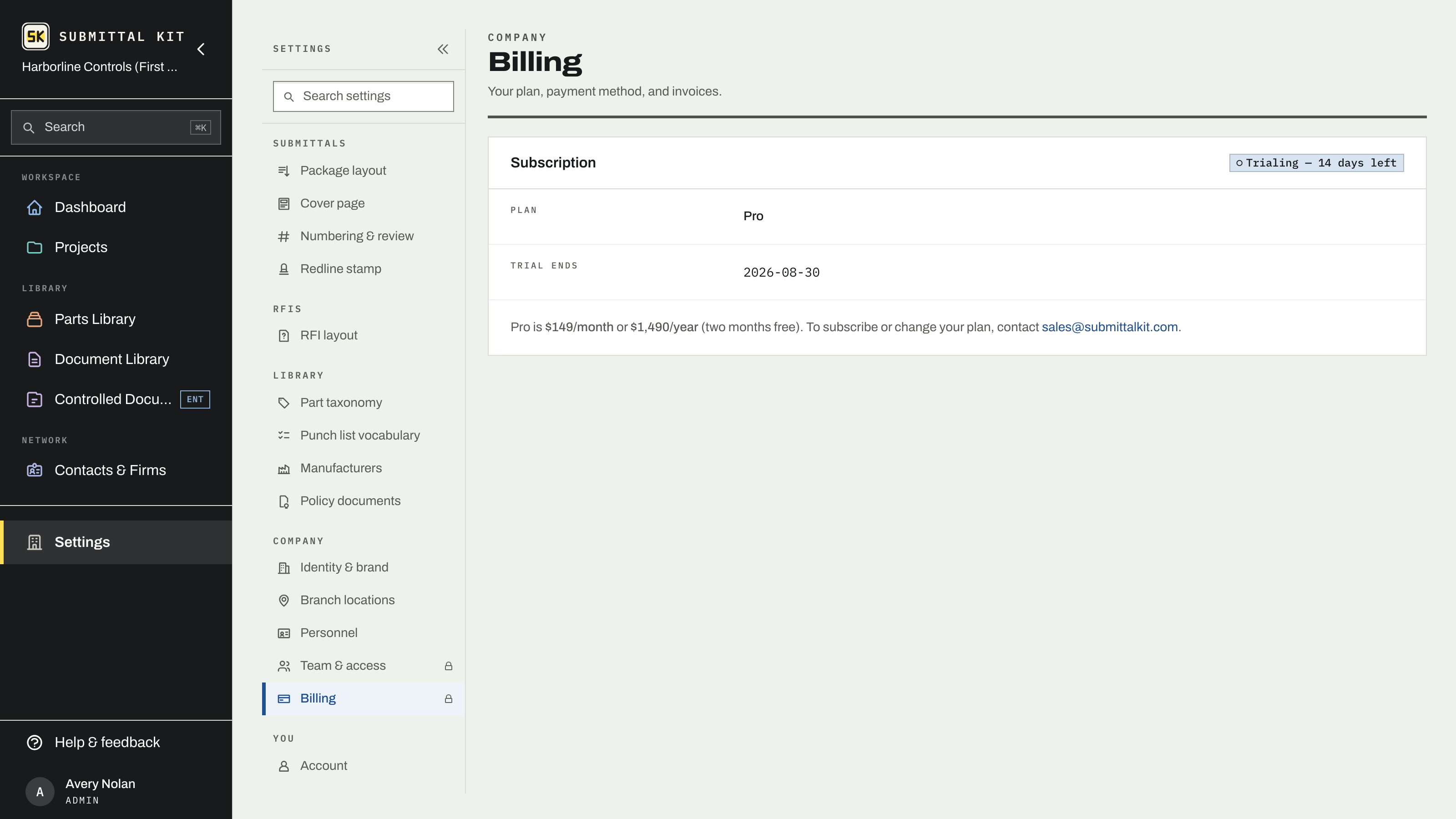
The free trial
Every new workspace starts with a 14-day free trial. Everything is open except Spec Check, which turns on when a plan is chosen. During the last week, a banner counts down the days remaining, and you'll get an email reminder before the end. If the trial expires before a plan is chosen, the workspace locks: nothing is deleted, all projects, parts, and documents stay safe, and access is restored the moment an admin subscribes.
Plans
- Pro is the full system of record: submittals, RFIs, punch lists, procurement, change orders, budget and SOV. $299 per month, or $2,990 per year (save $598). Annual billing is discounted on the pricing page, and any founding offer is applied automatically at checkout.
- Enterprise adds Controlled Documents: customer-approved, versioned layouts that your RFIs and punch rounds render on, with version locking and an approval trail, for companies whose contracts require formal document control. To move to Enterprise, contact [email protected].
Both plans cover your whole team and every package; there is no per-package or per-seat cap. Access is managed under Team & access.
Subscribe and manage billing
Billing is admin-only, under Settings, Billing. Members don't see it at all.
- Pick Monthly or Annual and complete checkout.
- The Billing page then shows your plan, billing interval, and renewal date.
- Use Manage billing to open the billing portal, where you update the payment method, download invoices, or cancel. A cancelled plan runs to the end of the period you've paid for.
If a payment fails, the workspace keeps working while a banner asks an admin to update the card in the billing portal, so a stale card number never stops a submittal from going out that day.
Locked out mid-project because a trial ended over the weekend? Have an admin subscribe under Settings, Billing, and the workspace reopens immediately, exactly as you left it.
Updated Sep 6, 2026
Can't find it? [email protected]