All guides
Getting started
What is Submittal Kit Create Your Workspace Your First Project Search Everything The Dashboard Help and What's New Abbreviations We UnderstandProjects & Schedule
Project Settings Schedule and MilestonesEquipment Register
Equipment Register Basics Import a BOM Equipment DocumentsParts & Library
The Parts Library Part Documents Find Datasheets The Document Library Search Inside DocumentsSubmittals
Create a Submittal Configure Sections Choose Equipment Scope Compile a Submittal O&M Manuals Submittal Numbering Cover Pages Package LayoutsRevisions & Review
Issue a Revision Submittal Log Returned Reviews Comment Response Log Record an External Submittal Share with an outside reviewerRFIs
RFI Basics RFI Log RFI LayoutsField & QA
Punch Lists As-Built RedlinesSpecifications & Scope
Upload Specifications Spec CheckProcurement & Change Orders
Quotes and Purchase Orders Coverage and Lead Times Change Orders Budget and SOVDirectory & Team
Firms & Contacts Team & Access Personnel & CertificationsSettings & Billing
Company Identity Library Vocabulary Billing and PlansIntegrations
Connect an AgentHelp Getting started
View as MarkdownCreate Your Workspace
Sign up, verify your email, and get your team signing in with a password or an emailed link.
The first submittal is due Friday and you're still deciding where the project will live. Setting up Submittal Kit takes one form and one email click, so the account step never becomes the bottleneck.
Sign up
- Go to /auth/signup (a link to request a workspace lands on the same form).
- Enter your name, work email, company name, and a password (8 characters minimum).
- Click Create workspace, then open the confirmation email and follow the link.
- Confirm, and you're signed in with your company's workspace ready.
The confirmation link is single use. If it expires before you click it, just sign up again and a fresh one is sent.
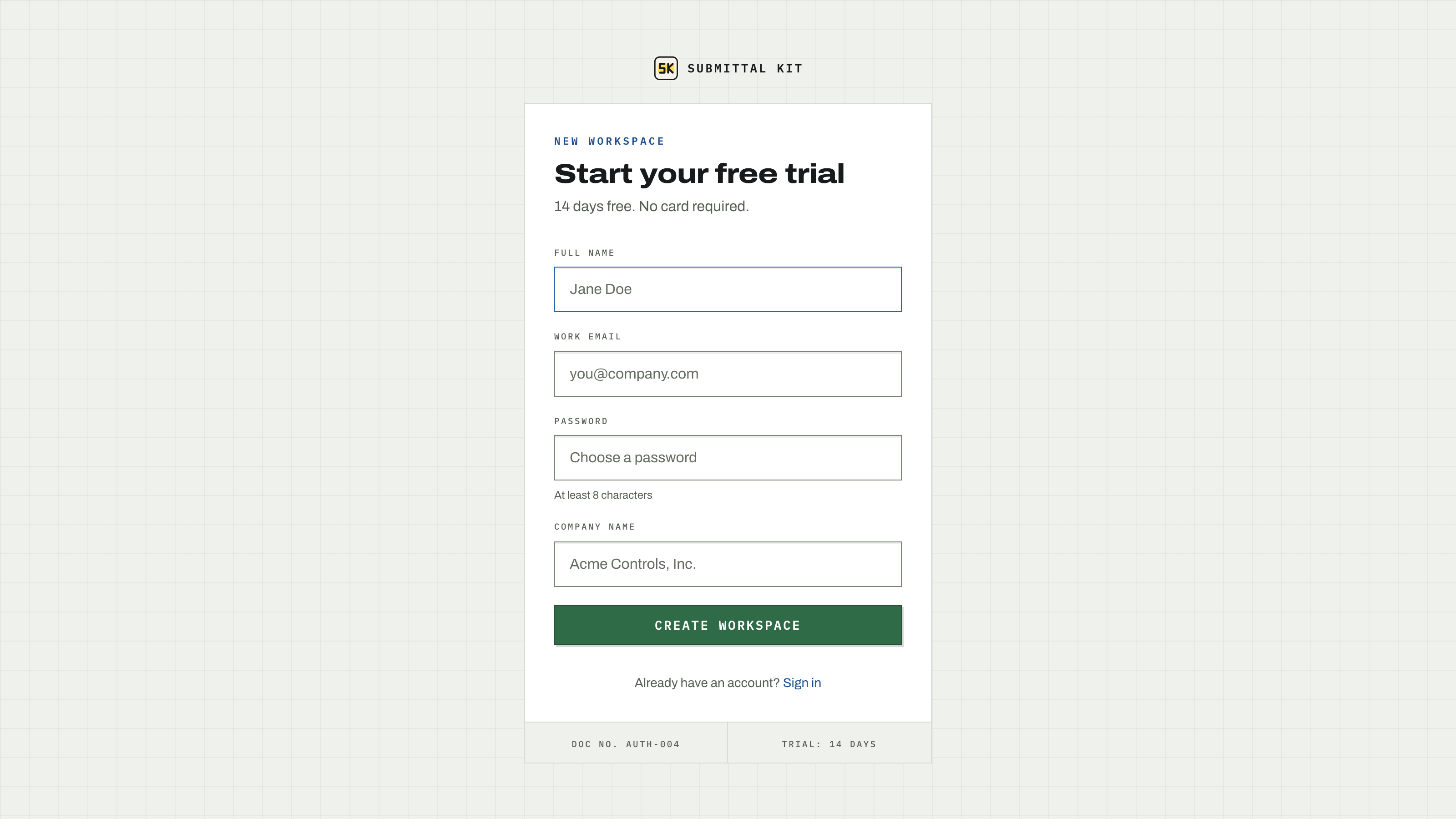
If your company is already here
Workspaces are tied to your email domain. If someone at your company already created one, signing up shows the same "check your email" page, but the email you receive names the existing workspace and points you to sign in instead of creating a duplicate. If you've never had an account there, ask one of your workspace admins to invite you (see Team and access).
Sign in
Sign in at /auth/login two ways:
- Password. Email plus the password you chose.
- Sign-in link. Enter your email and click Email me a sign-in link. The link works for 15 minutes and signs you in with no password at all.
The link path is handy for teammates who arrived by invite and never set a password, and as recovery when a password escapes you.
Passwords
Set or change your password any time from Settings, Account at /settings/account. If you signed in by link and have no password yet, the same page offers Set a password; until then, sign-in links keep working on their own.
Invite the rest of the team before you build anything. Submittals, RFIs, and the schedule all track who did what, and that history is only useful if everyone is working under their own name.
Next step: set up your first project.
Updated Aug 15, 2026
Can't find it? [email protected]